
Coarsening layers
using SpeciesDistributionToolkit
using CairoMakie
import Statistics
We will use the coarsen function to decrease the size of a layer while also applying an operation on the cells that are merged. Note that this is an operation similar to interpolate.
region = getpolygon(PolygonData(NaturalEarth, Countries); resolution=10)["Panama"]
extent = SpeciesDistributionToolkit.boundingbox(region)
temperature = SDMLayer(RasterData(CHELSA2, AverageTemperature); extent...)
mask!(temperature, region)
🗺️ A 292 × 708 layer with 88149 Float64 cells
Spatial Reference System: +proj=longlat +datum=WGS84 +no_defsWe will look at the temperature distribution in the raw data.
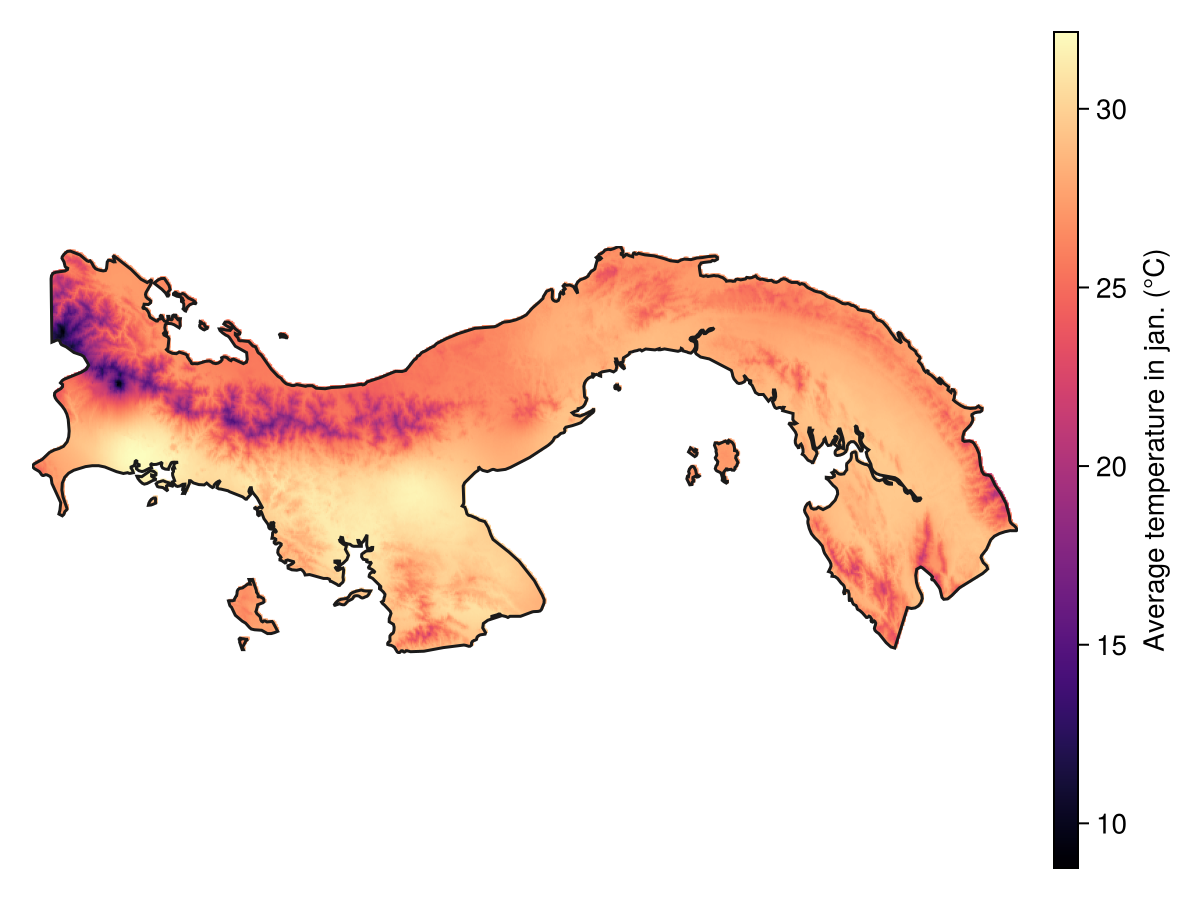
Code for the figure
f = Figure()
ax = Axis(f[1, 1]; aspect = DataAspect())
hm = heatmap!(ax, temperature; colormap = :magma)
lines!(ax, region; color = :grey10)
hidedecorations!(ax)
hidespines!(ax)
Colorbar(f[1, 2], hm; label = "Average temperature in jan. (°C)")
To reduce the size of the layer, we must include a mask, which gives the size of the cells that will be merged to create a new cell. Here, we will merge 16 cells together.
coarse_temperature = coarsen(Statistics.mean, temperature, (4, 4))🗺️ A 73 × 177 layer with 5970 Float64 cells
Spatial Reference System: +proj=longlat +datum=WGS84 +no_defsThe layer size must be compatible
The number of cells on each size must a multiple of the coarsening window size.
New pixels for which at least of the cells had a value will also have a value in the coarsened layer. If this is an issue (for example, look at coastlines in the next figure), you can use the mask! function after the coarsening.
We now look at the layer with coarser resolution:
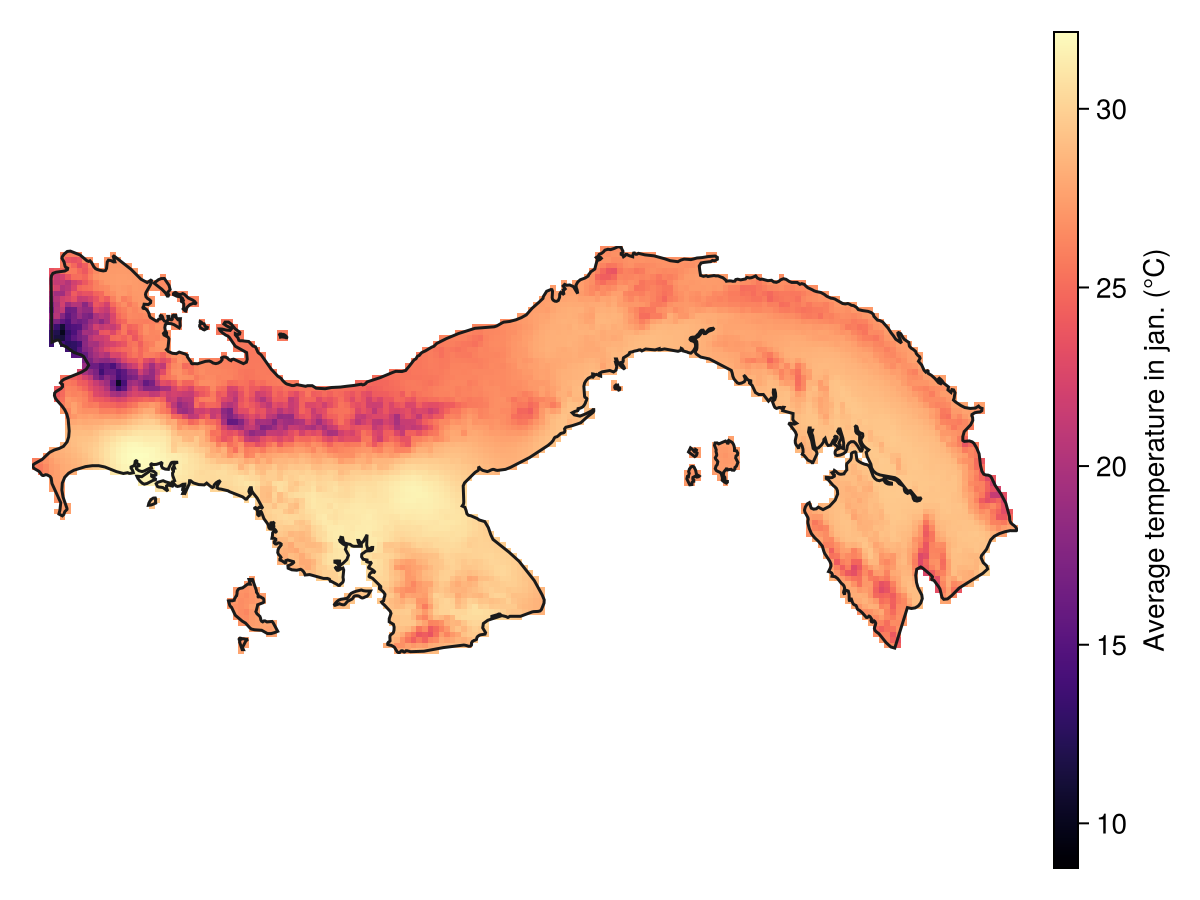
Code for the figure
f = Figure()
ax = Axis(f[1,1]; aspect=DataAspect())
hm = heatmap!(ax, coarse_temperature, colormap=:magma, colorrange=extrema(temperature))
lines!(ax, region, color=:grey10)
hidedecorations!(ax)
hidespines!(ax)
Colorbar(f[1, 2], hm; label = "Average temperature in jan. (°C)")
This method is primarily useful when you want to test an approach without using the full data resolution.
Related documentation
SimpleSDMLayers.coarsen Function
coarsen(f, L::SDMLayer, mask=(2, 2))Coarsens a layer by collecting a sub-grid of size mask, and applying the function f to all non-empty cells within this mask. The core constraint is that f must take a vector and return a single element (and the size of the mask must be compatible with the size of the layer).
SimpleSDMLayers.interpolate Function
interpolate(layer::SDMLayer; dest="+proj=natearth2", newsize=nothing)Returns an interpolated version of the later under the new destination CRS (natearth2 by default), and with optionally a new size of newsize.
interpolate(layer::SDMLayer, destination::SDMLayer)Interpolates a layer target so that it uses the same grid, crs, etc as destination.