
Re-classifying a layer
The reclassify function can be used to turn the values of a layer into categories.
using SpeciesDistributionToolkit
using CairoMakie
We will load data on the average temperature in Pakistan:
aoi = getpolygon(PolygonData(NaturalEarth, Countries))["Pakistan"]
temperature = SDMLayer(RasterData(CHELSA2, AverageTemperature), aoi)
mask!(temperature, aoi)
🗺️ A 1604 × 1945 layer with 1176577 Float64 cells
Spatial Reference System: +proj=longlat +datum=WGS84 +no_defs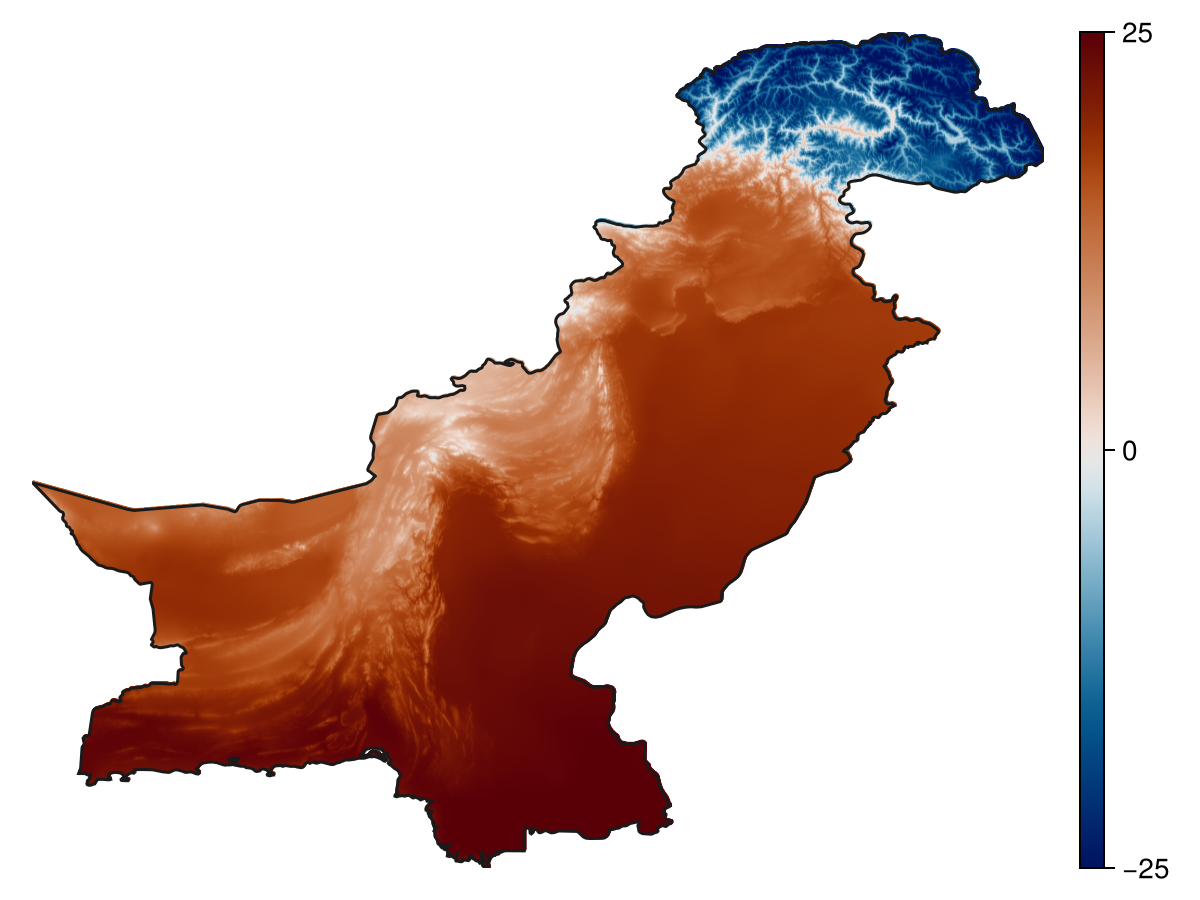
Code for the figure
f = Figure()
ax = Axis(f[1,1]; aspect=DataAspect())
hm = heatmap!(ax, temperature, colormap=:vik, colorrange=(-25, 25))
Colorbar(f[1,2], hm)
hidespines!(ax)
hidedecorations!(ax)
lines!(ax, aoi, color=:grey10)
To reclassify a layer, we need to give a series of rules, which are all expressed as a pair, where the first element is a function, and the second element is the value ot use when this function is true.
For example, we can set the value to 1 when the temperature is below -10°C, 2 when it is between -10°C and 10°C, and 3 otherwise`:
R = reclassify(
    temperature,
    (x -> x <= -10) => 1,
    (x -> -10 < x <= 10) => 2,
    (x -> x > 10) => 3
)
🗺️ A 1604 × 1945 layer with 1176577 Int64 cells
Spatial Reference System: +proj=longlat +datum=WGS84 +no_defs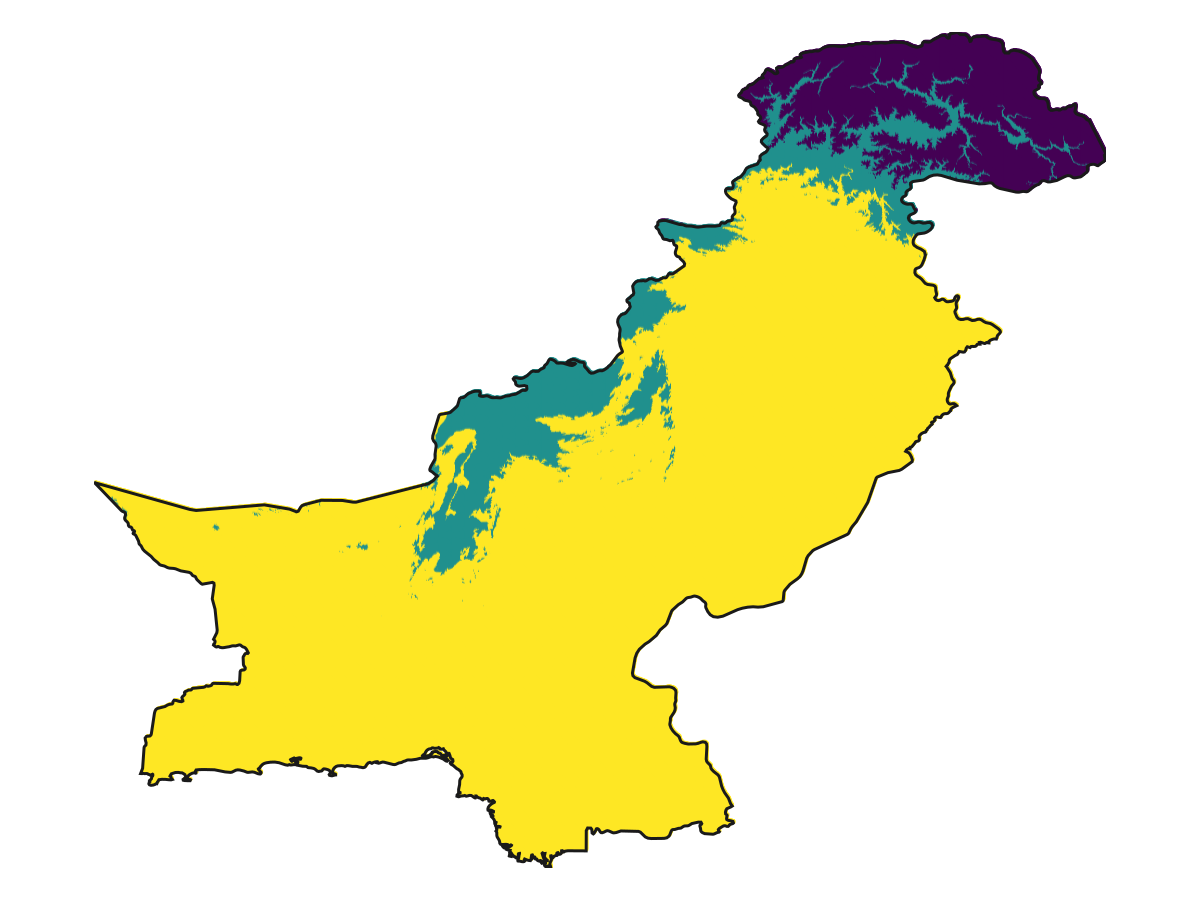
Code for the figure
f = Figure()
ax = Axis(f[1,1]; aspect=DataAspect())
heatmap!(ax, R)
hidespines!(ax)
hidedecorations!(ax)
lines!(ax, aoi, color=:grey10)
Related documentation
SimpleSDMLayers.reclassify Function
reclassify(L::SDMLayer, rules::Pair...)Returns a layer where the cells are updated as a function of rules, given as (function) => value, where the function must return a Bool value. For example, reclassify(layer, (x -> abs(x)<=1)=>true) will set a value of true to all cells with values in -1;1, and mask all other cells. You can use multiple rules, in which case they are applied sequentially (a later rule can overwrite an earlier one).